


So, you want to learn how to code, but the thought of staring at a dry textbook or a black-and-white terminal screen makes you want to take a nap? I get it. Starting your programming journey can feel like trying to read a dictionary in a language you don’t speak yet. But here’s the good news: you don’t have to start with soul-crushing syntax errors and boring lectures.
The secret weapon for many successful developers wasn’t a computer science degree—it was gaming. Educational coding games have evolved from simple “move the robot” puzzles into immersive, complex worlds that teach you logic, loops, and variables without you even realizing you’re “studying.”
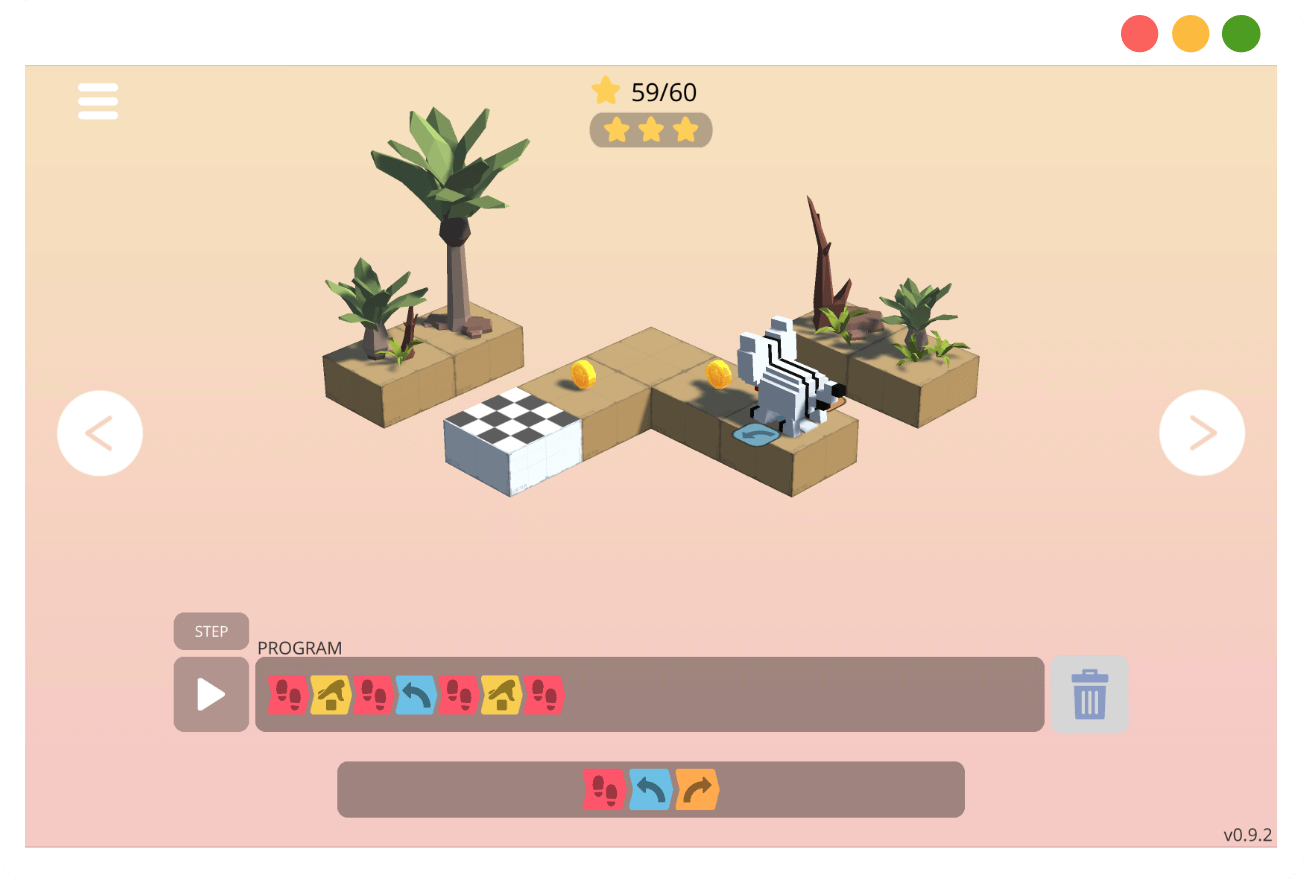
Whether you’re a total “noob” or just looking to sharpen your logic, these games will help you build a solid foundation while having a blast.
—
Why Playing Games is Actually “Productive” Study Time
Before we dive into the list, let’s debunk the myth that gaming is a waste of time. When you play a coding game, you aren’t just pushing buttons; you are engaging in computational thinking. This involves breaking down big problems into smaller steps, identifying patterns, and creating a sequence of instructions to reach a goal.
In the industry, we call this “algorithmic thinking.” If you can guide a character through a dungeon using commands, you’re already doing the work of a software engineer. The only difference is the “output” is a victory screen instead of a corporate database.
—
Scratch: The Gateway Drug to Programming
If you are brand new to this world, Scratch is the place to start. Developed by the wizards at MIT, Scratch uses a “block-based” system. Instead of typing out lines of code where a single missing semicolon can break everything, you drag and drop colorful blocks that snap together like LEGOs.
How Scratch Builds Your Logic
Scratch teaches you the flow of a program. You’ll learn about “if-then” statements (if the cat touches the wall, then turn around) and loops (repeat this jump ten times). Because it’s visual, you get instant feedback. If your code is wrong, your character does something funny, and you can fix it right away. It takes the “fear” out of breaking things, which is the biggest hurdle for beginners.
—
CodeCombat: RPG Adventures with Real Syntax
Once you’re comfortable with the logic of blocks, it’s time to start typing. CodeCombat is a full-blown RPG (Role-Playing Game) where your “spells” are actually lines of Python, JavaScript, or C++. You control a hero who needs to navigate levels, defeat ogres, and collect gems.
Learning Real Languages While Looting Dungeons
What makes CodeCombat stand out is that it uses real syntax. You aren’t just dragging blocks; you’re typing `hero.moveRight()`. This bridges the gap between “game logic” and “real-world coding.” By the time you reach the higher levels, you’ll be writing complex strings of code to automate your hero’s combat movements, which is surprisingly similar to writing automation scripts for a tech company.
—
Swift Playgrounds: For the Apple Enthusiasts
If you’ve ever dreamt of building the next viral iPhone app, Swift Playgrounds is your best friend. Created by Apple, this game is designed to teach you Swift, the language used for iOS and macOS apps. It’s incredibly polished and looks like something straight out of a Pixar movie.
Mastering Professional Tools Early
Unlike some other games, Swift Playgrounds uses the actual libraries and frameworks that professional developers use. You solve puzzles by controlling a cute character named Byte, but the commands you use are the same ones you’d use to build a real app. It’s a fantastic way to get comfortable with the Apple ecosystem without feeling overwhelmed.
—
Human Resource Machine: For the Logic Purists
If you prefer puzzles over flashy graphics, Human Resource Machine is a masterpiece of game design. It’s themed around a corporate office where you represent a tiny worker. Your job is to move boxes from an “inbox” to an “outbox” based on specific instructions.
Understanding How Computers Actually Work
This game focuses on “Assembly language” concepts. It’s low-level, meaning it deals with how data moves through a computer’s processor. It teaches you about memory addresses, pointers, and optimization. It’s challenging, but finally solving a level with the shortest possible code provides a “eureka” moment that is addictive.
—
Flexbox Froggy: The Secret to Web Design
Coding isn’t just about logic; it’s also about layout. If you want to get into web development, you need to master CSS. Most people find CSS frustrating, but Flexbox Froggy turns it into a simple puzzle. You have to move a group of frogs onto their lilypads using CSS Flexbox commands.
Why Visual Learning Wins for CSS
CSS is notoriously difficult to “visualize” when you’re just looking at a text editor. Flexbox Froggy shows you exactly how properties like `justify-content` and `align-items` affect elements on a page. It’s a short game, but by the end of it, you’ll understand web layout better than most people who just read the documentation.
—
Screeps: The MMO for Hardcore Beginners
If you want a challenge that never ends, Screeps is an MMO (Massively Multiplayer Online) game where you program the AI of your colony. Your units (called “creeps”) perform tasks like mining, building, and defending, but they only do exactly what you’ve programmed them to do in JavaScript.
Learning to Code While You Sleep
The coolest part about Screeps is that the game runs 24/7. Your code stays active even when you’re offline. If you wake up and find your colony has been conquered, you have to go back into your code, find the “bug” in your defense logic, and deploy a patch. It’s the closest thing to managing a real-world server environment.
—
How to Stay Consistent and Not Give Up
The biggest mistake beginners make is trying to learn too much at once. It’s easy to get “tutorial hell” where you just follow instructions without understanding why. Games prevent this by forcing you to solve problems to progress.
Set Small, Achievable Goals
Don’t try to beat CodeCombat in a weekend. Instead, aim to clear three levels a day. Consistency is the key to muscle memory in coding. Treat it like a daily quest in your favorite video game.
Join a Community
Most of these games have huge Discord or Reddit communities. If you get stuck on a level, don’t just look up the answer. Ask for a hint. Learning to communicate your problem to other “developers” is a vital skill for your future career.
—
Conclusion
Learning to code doesn’t have to be a grind. By using educational games like Scratch, CodeCombat, and Flexbox Froggy, you can turn a daunting technical skill into a fun, rewarding hobby. These games provide the “sandbox” you need to fail safely, experiment wildly, and eventually build the logic required to tackle real-world projects. Remember, every senior developer started exactly where you are—likely struggling with a simple loop or a misplaced bracket. So, pick a game, start your first level, and welcome to the world of programming!
—
FAQs After The Conclusion
Is playing coding games enough to get me a job?
While games are incredible for building logic and learning syntax, they are usually the “first step.” To get a job, you’ll eventually need to move from the game environment to building your own independent projects, like websites or apps, to show off your skills to employers.
Which programming language should I choose first?
For most beginners, Python is the go-to because it reads like English. However, if you want to build websites, start with JavaScript. If you are interested in game development specifically, look into C# (used in Unity).
Do I need a powerful computer to play these games?
Not at all! Most of the games listed, like Scratch, Flexbox Froggy, and CodeCombat, run directly in your web browser. As long as you have a stable internet connection and a basic laptop, you’re good to go.
Are these games suitable for kids, or just adults?
They are great for both! Scratch was designed for children, but its logic is used by adults daily. Games like Human Resource Machine and Screeps are quite sophisticated and are popular among adult learners and even professional developers.
How long does it take to learn coding through games?
It depends on your goals. You can grasp the “basics” of logic in a few weeks of consistent play. However, becoming “fluent” in a language usually takes several months of practice, combining games with actual project building.